

TC Portable
github.com/Tensionix/tc-portable ↗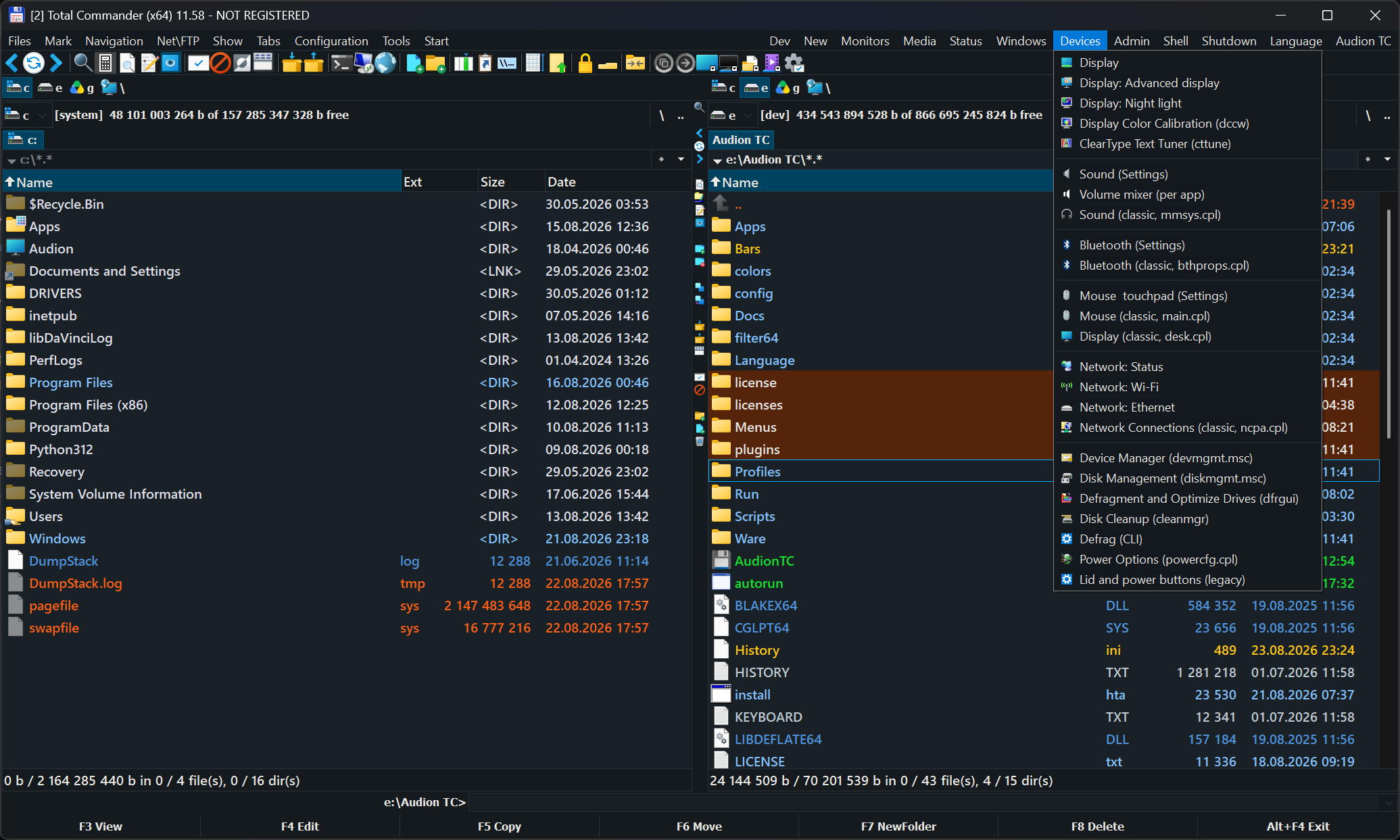
A ready-made Total Commander kit: a rich menu, Windows settings and installation, and updates for the best-known free programs that keep their settings. You have to see it. Copy the folder and use it.
2 downloads from GitHubAudion TC Portable
A configured file manager that travels as a folder.
Why It Exists
A file manager is configured once and used for years: panels, colours, menus, shortcuts, built-in tools. Reinstall the system or move to another machine, and all of it has to be reassembled from memory.
Here the configuration lives with the program. Copy the folder and you have the same manager, with the same panels and the same buttons.
How to Use It
Inside is the "Audion TC" folder. Copy it anywhere — a USB stick will do — and run it from there.
Nothing is written into the system. Deleting the folder removes the program entirely.
The interface opens in English. Russian is one click away: the "Language" menu.
Next
- User Guide — what is inside and how to configure it (Russian).
The program is portable: the unpacked folder is the installed program. Nothing is written to the registry; to uninstall, delete the folder.
$name = "Audion_TC_Portable_v2.2.1_Full.zip"
Invoke-WebRequest "https://audion.dev/get/tc-portable/2.2.1/Audion_TC_Portable_v2.2.1_Full.zip" -OutFile $name
Invoke-WebRequest "https://audion.dev/get/tc-portable/2.2.1/Audion_TC_Portable_v2.2.1_Full.zip.sha256" -OutFile "$name.sha256"
$want = (Get-Content "$name.sha256").Split(" ")[0]
$have = (Get-FileHash $name -Algorithm SHA256).Hash.ToLower()
if ($want -ne $have) { throw "checksum mismatch: the download is corrupt" }
Expand-Archive $name -DestinationPath ".\tc-portable"